
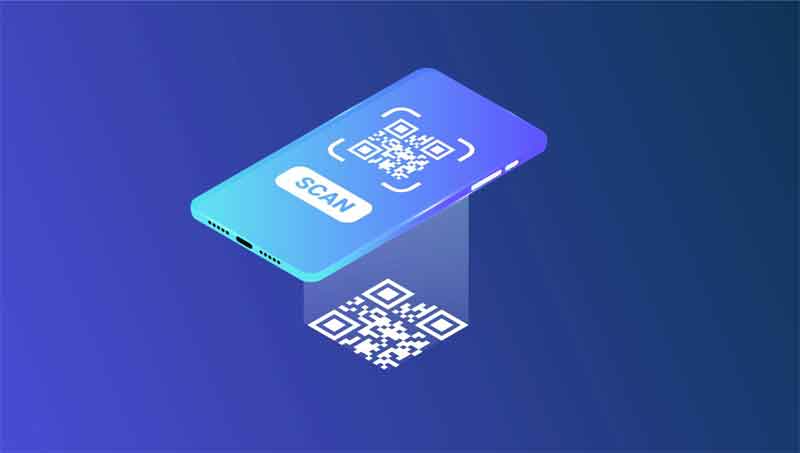
Let me give you 5 Tips For QR CODES Success. It seems everywhere you look these days you can see QR Codes for just about everything.
Table Of Contents for 5 Tips For QR CODES Success
- Introduction to QR Codes
- Which QR Code To Use
- Keep the design simple and easy to scan
- Make the code easy to find
- Test the code before using it
- Use a high-contrast color scheme
- Provide a fallback option
- Conclusion
5 Tips For QR CODES Success Introduction to QR Codes
A QR Code is basically a redirection service that allows the user to enter a URL or other links or text so when the QR Code is scanned will act on what was entered. This could be provider the scanner with text or take them somewhere on the internet.
The QR Code itself cannot store files, pdfs or website but directs the user to them.
To use a QR code, a user simply needs to open their smartphone’s camera and point it at the code, which will then be scanned and the stored information displayed. Some smartphones have built-in QR code readers, while others may require a separate QR code reader app to be downloaded.
5 Tips For QR CODES Success Which type of QR Code to use.
QR Codes come in two types:
Static QR Codes which are free and can be compiled only once. If sending to a website it should show the website when scanned. If it doesnt then it is a dynamic QR Code that will send you a bill in the future to keep it active.
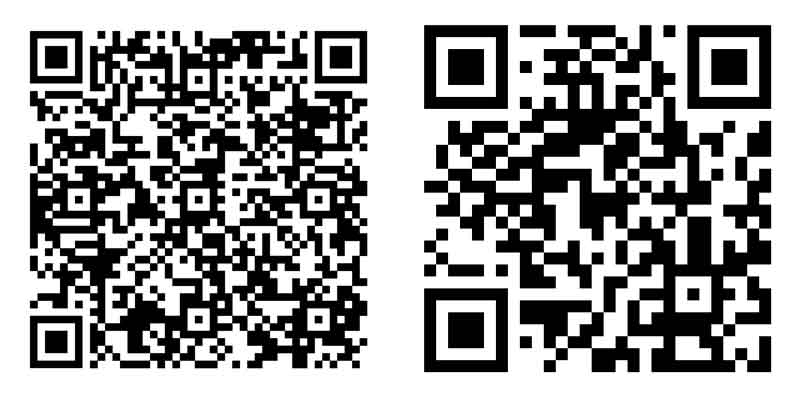
You really want to have a nice short url. The longer the URL or amount of text added the more dense the QR Code.
Dynamic QR Codes are developed through a data base and hence have a fee attached. They only work with URLs and so the size is always consistent as the database url is always basicall the same except DB number on the end. https://qrcau.com.au/?id=494
The other great function is you can change that url any number of times. Send to a product one week, a facebook page another week and possibly a signup for for a conference then link to the videos.
Below you can see the difference with density to same website. Left is static and right is dynamic.
Tips For QR CODES Success Keep the design simple and easy to scan
Many businesses when they get started with QR Codes dont quite understand how they work and make mistakes. The secret is to keep them as simple as possible by using a short url. Dynamic QR Codes do this for you automatically so mainly applies to static QR Codes.
Keeping the design of a QR code simple and easy to scan is crucial for its success. A QR code that is cluttered or difficult to read can discourage users from scanning it and accessing the information it contains.
We call this density. The more information in a QR Code, especially static ones, the denser they get and the size you can make them reduces.
Adding logos and different colours can also effect the scanability of the QR Code.
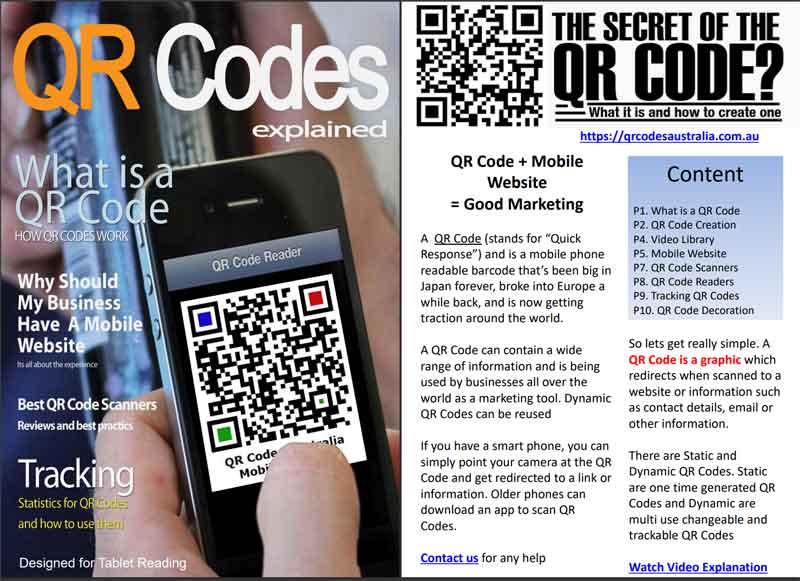
A PDF Document Answering many of the QR Code questions suitable for tablets and Computers. Can read on phone and tablet. Download 1.9 MB
5 Tips For QR CODES Success Make the code easy to find
Making a QR code easy to find is crucial for its success as if a user can’t find the code, they can’t scan it. To make a QR code easy to find, it is important to:
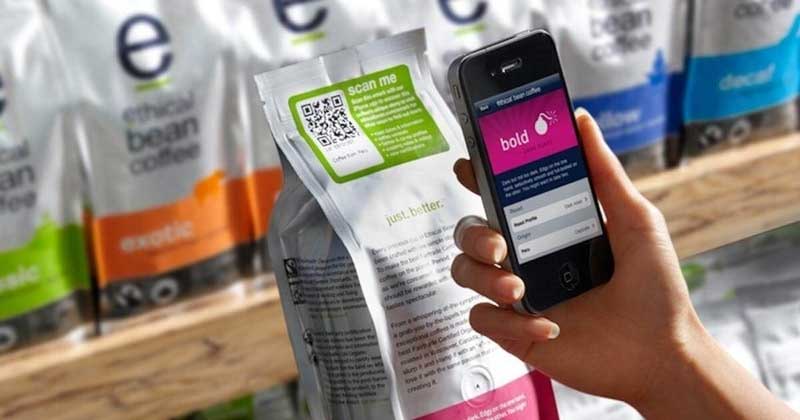
- Place the code in a prominent location: The code should be placed in an area where it is easily visible and accessible to users. This could be on a poster, business card, packaging, or other marketing materials.
- Use signposting: Use signs or arrows to point towards the code, or include text on the surrounding materials that tells the user to “scan here” or “scan this code”
- Use appropriate context: The QR code should be placed in an area that makes sense for the type of information it contains. For example, a QR code linking to a product website would be more appropriate on the product packaging than on a billboard advertisement.
- Use multiple placements: Place the QR code in multiple locations to increase the chances that users will come across it. This could be on different print materials, in-store displays, or on social media platforms.
5 Tips For QR CODES Success Test the code before using it
By testing the code before using it, you can identify and fix any problems before it goes live, ensuring that users have a positive experience when scanning the code and accessing the information it contains.
Additionally, if the code is going to be used in a public space, you can also ask some friends, family or co-workers to test the code and give you feedback on the user experience.
Try and scan it with both types of phones and any other digital devices so you can be sure it works.
If the code directs to a website, make sure the website is live, and the information displayed is correct and up to date.
5 Tips For QR CODES Success Use a high-contrast color scheme For your QR Codes
Using a high contrast color scheme for QR codes can help to ensure that they can be easily scanned by QR code readers.
This is because high contrast colors, such as black and white, provide a clear distinction between the dark and light areas of the QR code, making it easier for the reader to identify and interpret the code.
Additionally, using high contrast colors can also make the QR code more visually appealing and easier to read for users.
For example, colors that are directly opposite one another on the color wheel have the highest contrast possible, while colors next to one another have a low contrast. For example, red-orange and orange are colors that have low contrast; red and green are colors that have high contrast.
Provide a Fallback Option
In case the QR code cannot be scanned, provide a traditional URL or phone number as an alternative means of accessing the information.
We quite often do this by adding it to the bottom of the QR Code or if using on products add it to the description.
In the end a QR Code is designed to take your vidsitor form limited traditional information to digital information just by scanning.
5 Tips For QR CODES Success – Conclusion
So I hope you enjoyed our 5 tips for QR Code Success. The secret to a successful QR Code is the same as any marketing or promotion.
You need to grab the customers attention and provide an irresistable offer or information they want.
If you have any question be sure to contact us

